
Tips for protecting smart TVs
Summer is coming to an end. The noisy or completely relaxed summer vacations and holidays have already passed.
The length of the day is also slowly decreasing, and against the backdrop of all this, our precious, long-awaited chair, tailored to our physiognomy, seems more and more attractive. The chair, next to which, in my imagination (it's just my imagination, unfortunately, it does not reflect my reality), there is popcorn (on the left side, for the fans on the right side), a remote control opposite, and most importantly, directly, approximately 1.5 - 2 meters away, a smart TV ( a 4k curved TV is the pinnacle of dreams).

It's a real idyll, you can't say anything. But this idyll, like all others, needs care. Especially if we are talking about a smart TV, which is an ordinary network device that needs additional care. Don't be confused by the brand, hisense, lg, sony, tcl, nikai, toshiba - they all require the same care. How to take care of our smart TV? The steps are given below.
- Protect your router's identity.
A router is a device that allows you to use the Internet simultaneously on several devices (phone, laptop, desktop, tablet, TV, and nowadays even a refrigerator and oven). An unprotected router may not be able to stop cybercriminals from penetrating your internal network and installing their own programs there. These programs will be invisible at first glance, but they can cause enormous damage to your devices. Imagine how terrible it would be if one day your smart TV , refrigerator, and entire house turned against you.
The first and most important step in securing your router is to change the password on your router, and not leave it at the default (which is often written on the back of routers). It is also advisable to disable any features on your router that you do not use (and you may need professional help for this).
- Sort your networks and devices.
Since each device only needs the network to perform unique operations, it would be a good idea (again, probably with the help of a professional) to assign each of them its own narrow scope of action. For example, leaving the upload port open between the TV and the network does not really provide any additional benefit, but it does increase the risk potential.
- Configure your smart TV
Like all devices, a smart TV only reaches the pinnacle of safety and quality when used according to the instructions. So if you're looking to buy a TV , be sure to read the instructions :)
Factors to consider in this regard include what information you allow your provider to collect and distribute. The world remembers scandals when some cable providers collected huge amounts of information on their customers (including even voice recordings). Properly configuring your router and smart TV will be enough to eliminate these threats.
You should be especially aware of these risks if your smart TV also has a camera. Your smart camera could be accessible to a hacker, even if you're not using it. Some people attach small strips of tape to these cameras, which isn't entirely unreasonable.
Again, don't forget to disable features you don't use.
- Install the latest updates provided by the manufacturer.
Many of the above-mentioned problems, once identified, fall into the area of interest of manufacturers. Their developers are able to promptly close open risks, and on TVs already sold, similar solutions are offered by updating the operating system. It is advisable to check how recent your operating system is.
- You will use security systems.
Just like computers and phones, smart TVs have their own superhero in the form of an antivirus. Download and install these security systems. Some of them even have free trial periods at the initial stage, during which you can see how well you operate this antivirus. For example, we recommend checking out ESET Smart TV security, which you can find on the Google Play Store for Android TVs.
- Be especially careful when downloading new applications.
I don't think this needs much elaboration. In 2017 alone, Google removed more than 2,000 apps from the Play Store that violated its regulations. The main advice to keep in mind is to only download apps from the Google Play Store or the App Store.
You can read our separate blog post about the advantages of curved TVs .
For more information, see: Top tips for protecting your Smart TV
Popular models


 კომერციული გარანტია 2 წელი


შესაძლოა დაგაინტერესოთ
-
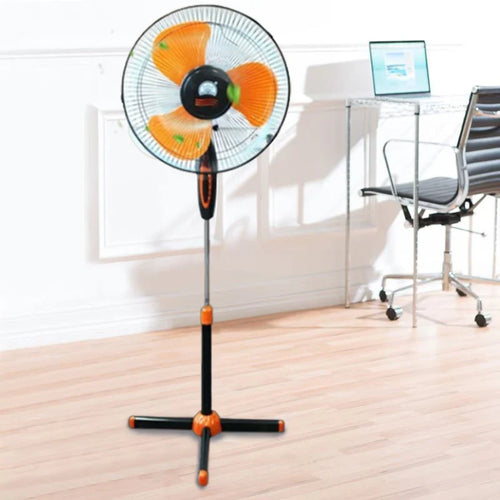
How to choose a fan?
As soon as summer arrives, the first thing that comes to mind is a fan . Fresh air circulation in the heat, rapid coo...
-
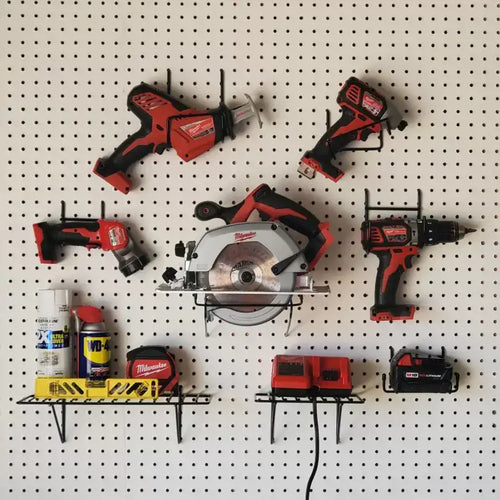
How to choose power tools in 2025?
Modern construction and repair work is unthinkable without quality power tools. Choosing the right tool is essential ...
-
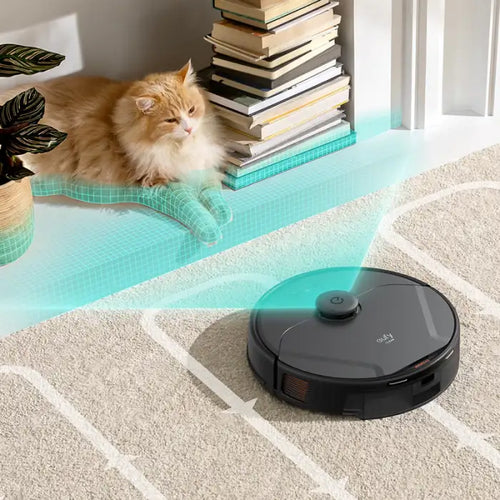
How to choose a robot vacuum cleaner?
The question of how to choose a robot vacuum cleaner has been relevant since the appearance of these smart devices on...
-
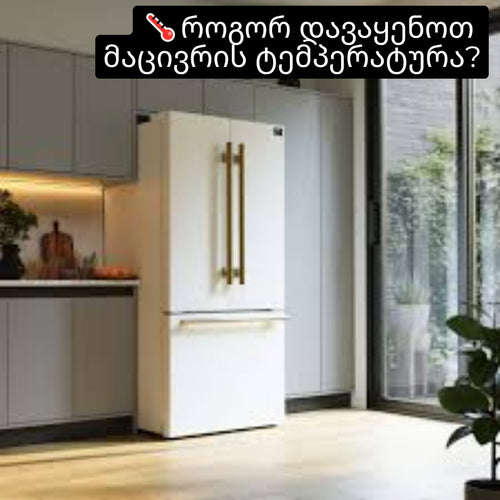
How to set the refrigerator temperature?
Setting the refrigerator temperature correctly is essential to ensure that products retain their nutritional value fo...
-
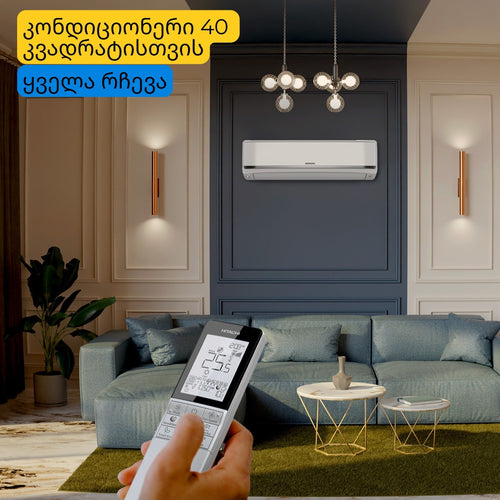
Air conditioner for 40 square meters - everything you need to know before buying
There are several important factors to consider when selecting the right air conditioner for a 40 m² room in 2025, en...
-
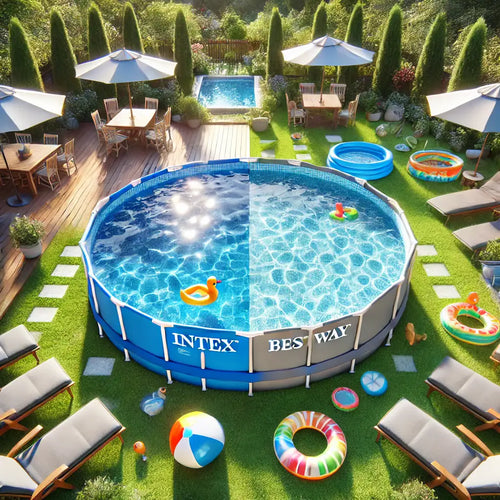
Intex or Bestway - which pool to choose?
When shopping for an outdoor framed pool, you've probably come across Bestway and Intex pools. Both brands offer a wi...
-
Overview of air conditioner features - what each one means
A modern air conditioner has many features, some of which are easy to guess by their names, but in advertising campai...
-
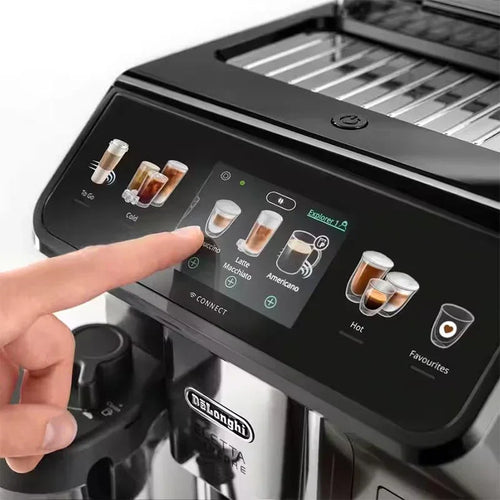
The most comprehensive review of DELONGHI coffee machines
DeLonghi is an Italian premium brand known for its high-quality home appliances, especially coffee machines . The com...
