
How to choose the right laptop?
Choosing a laptop has never been easier. Today's options are more powerful and sophisticated than ever. Whether you want to run Windows 10, macOS, or Chrome OS, there's likely a laptop out there that will meet your needs at a price you can afford.
There are so many models and choices on the market today, and it can be difficult to make a choice. Therefore, you need to know exactly why you want to buy a laptop in order to make the right choice.

Operating system
The first decision you'll make when choosing your laptop is which platform you want to use. That means choosing between Windows 10, macOS, and Chrome OS.
We won't go into detail here about which operating system is best, but suffice it to say that your preference will dramatically affect your laptop options.
We note the importance of the choice of operating system.
Form
There was a time when all laptops were clamshell style, meaning that when you open the laptop, the screen is on one side and the keyboard is on the other. It's still relevant today, but it's no longer the only option.
The clamshell-style notebook remains a popular option and for many brands it is the only option.
Transformer Book

A more popular option is the convertible 2-in-1 laptop. This is a regular clamshell-style laptop, but the screen can be flipped over to become a tablet or used in one of several other modes, such as tent mode, presentation mode (where the screen folds over the keyboard), and clamshell.
They typically range in size from 11 inches to 15 inches and are thinner and lighter. These laptops are equipped with a fast central processing unit (CPU) and a discrete graphics processing unit (GPU).
Gaming laptops
There's another special class of laptops, or notebooks , and this one is aimed squarely at a specific type of user. We're talking about gaming laptops.
Today's gaming laptops utilize the latest advances in GPU and CPU technology, allowing you to play your favorite games without any glitches.
Screen

Laptop screens range from 10 inches to 21 inches. Most today come with at least a Full HD (1,920 x 1,080) display, with a 16:9 aspect ratio for video. Higher resolutions, like 4K UHD (3,840 x 2,160), mean images and text are sharper, and this is even more important as the physical size of the screen increases. Simply put, the same resolution is sharper on a 13.3-inch screen than on a 17-inch screen.
Element
Along with size and weight, one of the most important elements if you plan to travel or even leave home and work outside is that it is not possible to plug in a charger everywhere.
Memory
Most laptops only have one hard drive, so make sure it's big enough. Some very cheap netbook-style laptops, like the Acer Aspire One Cloudbook 14, have 32 gigabytes of storage, which is enough for Windows 10, and it's worth noting that these types of cheap laptops are the most popular in Georgia on installments .
If your laptop is designed for home use (see what types of laptops are available ) and stores gigabytes of photos and music, you should choose a model with at least 500 gigabytes of storage. Some have hybrid “SSHD” drives, which combine a slower mechanical hard drive (HDD) with a small SSD cache. These drives store frequently accessed data.
** The blog post is in test mode, we look forward to your feedback.
შესაძლოა დაგაინტერესოთ
-
How to choose a fan?
As soon as summer arrives, the first thing that comes to mind is a fan . Fresh air circulation in the heat, rapid coo...
-
How to choose power tools in 2025?
Modern construction and repair work is unthinkable without quality power tools. Choosing the right tool is essential ...
-

How to choose a robot vacuum cleaner?
The question of how to choose a robot vacuum cleaner has been relevant since the appearance of these smart devices on...
-
How to set the refrigerator temperature?
Setting the refrigerator temperature correctly is essential to ensure that products retain their nutritional value fo...
-
Air conditioner for 40 square meters - everything you need to know before buying
There are several important factors to consider when selecting the right air conditioner for a 40 m² room in 2025, en...
-
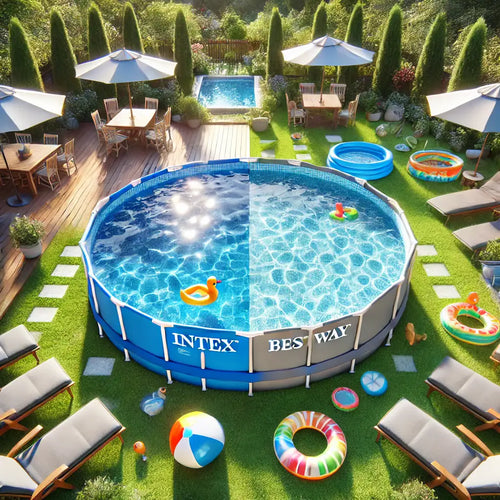
Intex or Bestway - which pool to choose?
When shopping for an outdoor framed pool, you've probably come across Bestway and Intex pools. Both brands offer a wi...
-
Overview of air conditioner features - what each one means
A modern air conditioner has many features, some of which are easy to guess by their names, but in advertising campai...
-
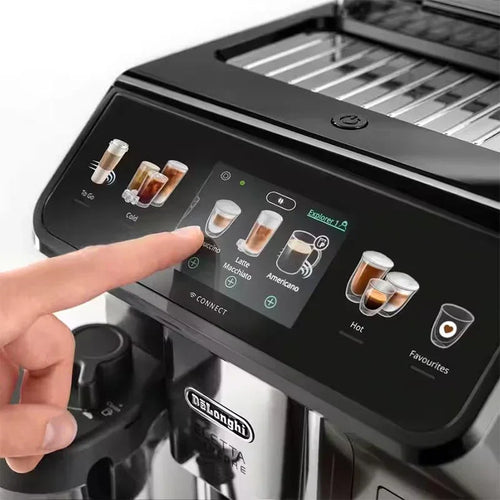
The most comprehensive review of DELONGHI coffee machines
DeLonghi is an Italian premium brand known for its high-quality home appliances, especially coffee machines . The com...
