
How to extend the life of a laptop battery
Although modern batteries last quite a long time, sooner or later any battery dies.
As practice shows, with proper use, a laptop battery serves its purpose for about 2-2.5 years before it dies completely, although during this time its capacity gradually decreases.
Before we move on to the content of the article, I would like to tell you that the latest laptops from all leading brands are for sale on Isurve, and we often have laptops at a discount .
You can find a lot of advice online about how to extend your laptop's battery life, but engineers say many of them are myths.
One of the most relevant tips related to this topic is that we should never charge our laptop battery more than 80% and not let it drop below 20%.
However, on the other hand, there are people who insist that the battery should be charged to 100%. However, we forget the main thing that the people who give advice in various surveys are not experts and their advice is less relevant and reliable.
Now we'll talk about specific tips that will help you extend the life of your laptop's batteries.
However, I will also tell you that we have another article that recommends how to choose laptops .

Adjust the screen brightness
The first thing to pay attention to is the screen brightness, which is directly related to battery life. This is easy to implement and does not involve any time-consuming work.
For the simple reason that we don't need to go into the settings to adjust the screen brightness, we can change it very easily by pressing a single button (notebook models have it, although most often these specific buttons are located on the first row of keyboard functions, which are marked with the following symbols - F1, F2, etc.).
When we first reduce the brightness of our laptop screen to 50%, we may think for a moment: "This is not bright enough," but after about 10 seconds, your eyes will adjust to the lighting and, moreover, it will seem much more pleasant to you.
Disable features we don't use
After we reduce the screen brightness percentage. You should also turn off all the functions on your laptop that you are not using at the moment. Why should your laptop continue to constantly search for radio signals while you are busy editing a document in Word on a flight or in the library?
Windows 10 has Airplane Mode, which enables all functions such as Wifi, Bluetooth, and more, making your work easier.
Disable programs that you are not using at a particular moment.
Modern laptop memory is simple and sophisticated. We can open Firefox, Outlook, Spotify, Photoshop, and similar programs at the same time, which does not affect the speed of the laptop, as it used to.
However, it is worth noting that using 4 to 8GB of memory during the day is standard, and running too many programs can lead to disastrous results that are not immediately apparent.
"Kill all your programs," says Vicki Doan-Nguyen, an assistant professor of materials science engineering at Ohio State University. The biggest culprits may be programs that constantly communicate with remote servers.
Of course, it can be nice and convenient to have more than one application open at the same time, but it's much wiser to close the ones you don't actually use, as this will help your laptop's battery life and productivity.
In the end, by following these simple rules for operating a laptop battery, it is entirely possible that you can significantly increase the battery's lifespan and avoid the need to buy a new one for quite some time.
And if you have decided to completely replace your laptop with a new one, check out our category - Notebooks with online bank installments to get the best conditions.
** The blog post is in test mode, we look forward to your feedback.
შესაძლოა დაგაინტერესოთ
-
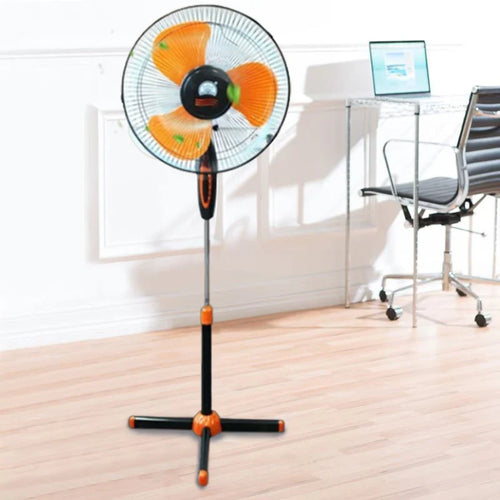
How to choose a fan?
As soon as summer arrives, the first thing that comes to mind is a fan . Fresh air circulation in the heat, rapid coo...
-
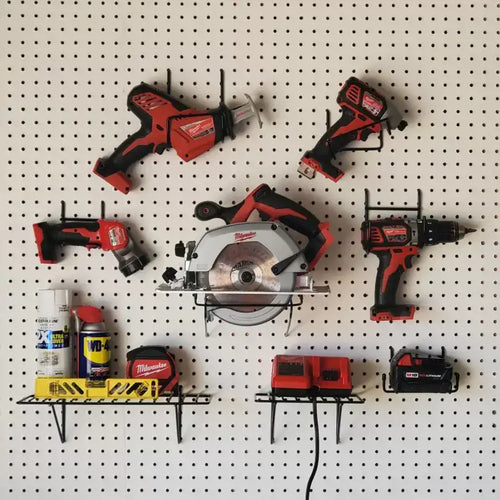
How to choose power tools in 2025?
Modern construction and repair work is unthinkable without quality power tools. Choosing the right tool is essential ...
-

How to choose a robot vacuum cleaner?
The question of how to choose a robot vacuum cleaner has been relevant since the appearance of these smart devices on...
-
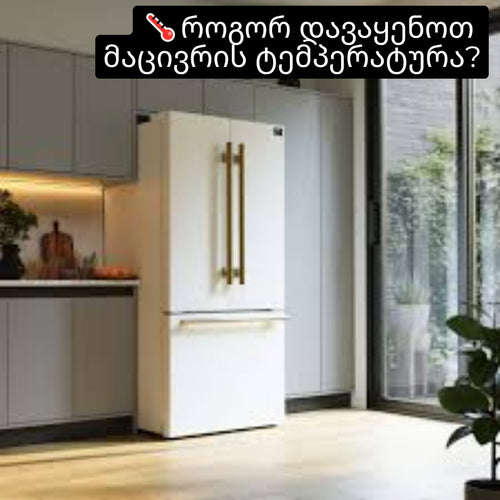
How to set the refrigerator temperature?
Setting the refrigerator temperature correctly is essential to ensure that products retain their nutritional value fo...
-
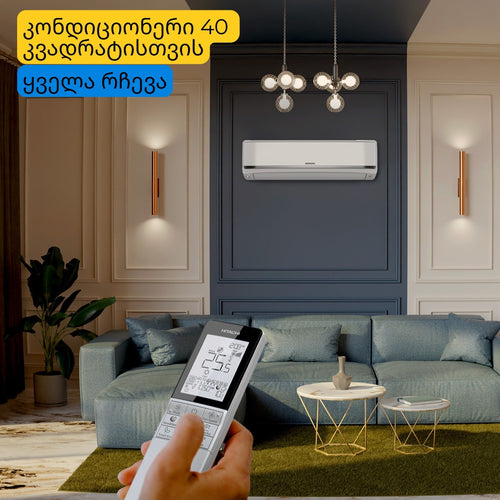
Air conditioner for 40 square meters - everything you need to know before buying
There are several important factors to consider when selecting the right air conditioner for a 40 m² room in 2025, en...
-

Intex or Bestway - which pool to choose?
When shopping for an outdoor framed pool, you've probably come across Bestway and Intex pools. Both brands offer a wi...
-
Overview of air conditioner features - what each one means
A modern air conditioner has many features, some of which are easy to guess by their names, but in advertising campai...
-
The most comprehensive review of DELONGHI coffee machines
DeLonghi is an Italian premium brand known for its high-quality home appliances, especially coffee machines . The com...
