
Setting up and using an FM and MP3 modulator!
FM and MP3 modulators allow you to easily stream your favorite music to your car's audio system. Let's take a look at each of them:
FM modulator:
- Converts audio signal to FM radio signal
- Connects to car radio on a free FM frequency
- No additional cables required
- Quality may be unstable due to interference
MP3 modulator:
- Connects directly to the car audio system
- Better sound quality compared to FM
- May require additional cables
- Some models also have Bluetooth functionality.
Both devices are an easy way to listen to your music in your car. Choose the one that best suits your needs and budget.

Setting up and using an FM modulator:
- Plug the modulator into your car's cigarette lighter or 12V port.
- Turn on the device.
- Select a free FM frequency on the modulator.
- Set the car radio to the same frequency.
- Connect your audio source (phone, MP3 player) to the modulator via AUX cable or Bluetooth.
- Start playing music from your device.
Installing and using the MP3 modulator:
- Find the AUX connector on your car audio system.
- Connect the modulator to the AUX port.
- If the modulator needs power, plug it into a cigarette lighter or USB port.
- Turn on the device.
- Connect your audio source to the modulator (USB, SD card or Bluetooth).
- Switch the car audio system to AUX mode.
- Start playing music.

General tips:
- Make sure all connections are tight.
- For the FM modulator, choose a frequency that is free from noise.
- Adjust the volume level on both the modulator and the car system for the best quality.
- When using Bluetooth, make sure your phone is paired with the modulator.
შესაძლოა დაგაინტერესოთ
-
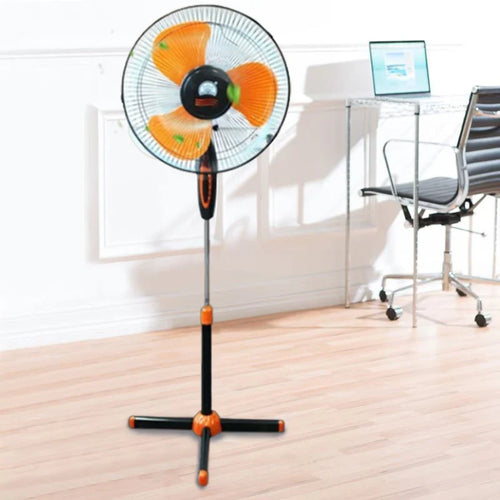
How to choose a fan?
As soon as summer arrives, the first thing that comes to mind is a fan . Fresh air circulation in the heat, rapid coo...
-
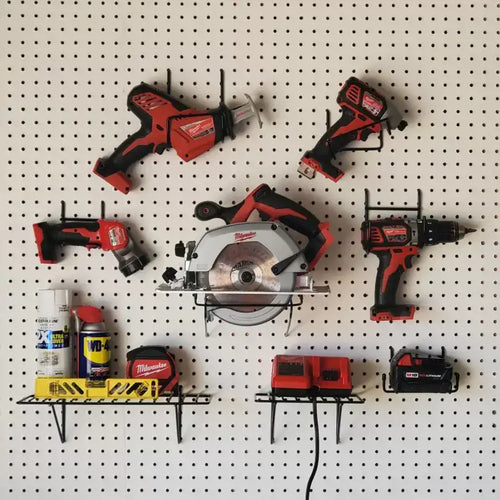
How to choose power tools in 2025?
Modern construction and repair work is unthinkable without quality power tools. Choosing the right tool is essential ...
-
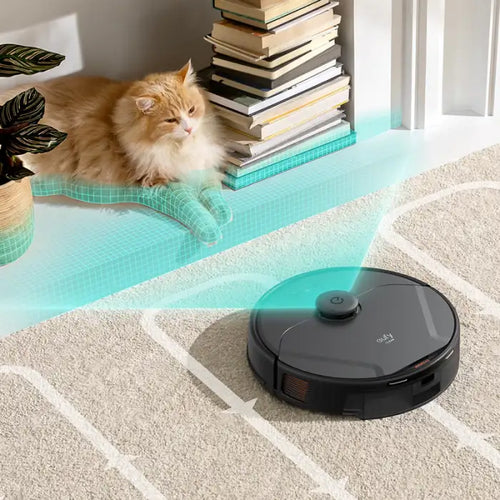
How to choose a robot vacuum cleaner?
The question of how to choose a robot vacuum cleaner has been relevant since the appearance of these smart devices on...
-
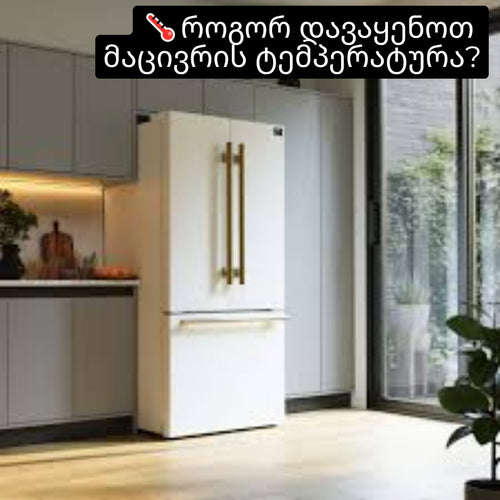
How to set the refrigerator temperature?
Setting the refrigerator temperature correctly is essential to ensure that products retain their nutritional value fo...
-
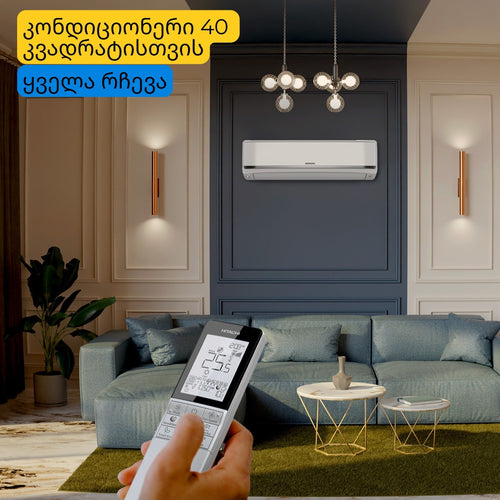
Air conditioner for 40 square meters - everything you need to know before buying
There are several important factors to consider when selecting the right air conditioner for a 40 m² room in 2025, en...
-

Intex or Bestway - which pool to choose?
When shopping for an outdoor framed pool, you've probably come across Bestway and Intex pools. Both brands offer a wi...
-
Overview of air conditioner features - what each one means
A modern air conditioner has many features, some of which are easy to guess by their names, but in advertising campai...
-
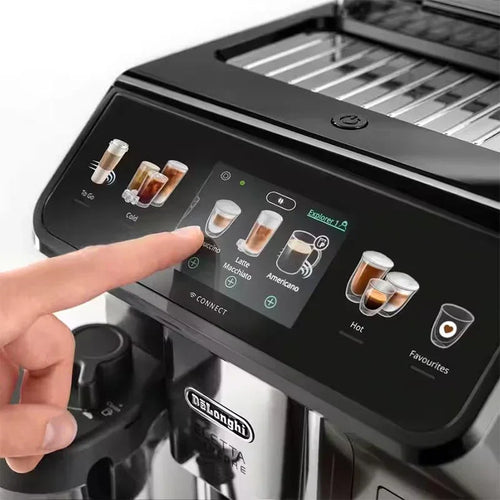
The most comprehensive review of DELONGHI coffee machines
DeLonghi is an Italian premium brand known for its high-quality home appliances, especially coffee machines . The com...
