
Use your tablet as your portable personal computer!
A tablet is a wireless, portable personal computer with a touch interface. The form factor of a tablet is typically smaller than a laptop but larger than a smartphone.
Tablets are used for many things. Some of them have the functions of a computer , but are relatively small, compact, and easy to use. In addition, they also have the function of a phone.
We don't need to explain that today a tablet is a device that lives halfway between a mobile phone and a laptop, but is increasingly approaching the latter. Ultimately, technology evolves and these devices come with better processors, aka RAM memory.

Advantages of using a tablet:
- It will allow you to use it at any time as if it were a regular computer or take it with you wherever you want.
- The fact that tablets have a touch screen often makes them much more flexible. We are talking about for example ppts, viewing images, music or video games. All tasks will be much easier for you, although you can always add gadgets such as a mouse and keyboard if you feel more comfortable.
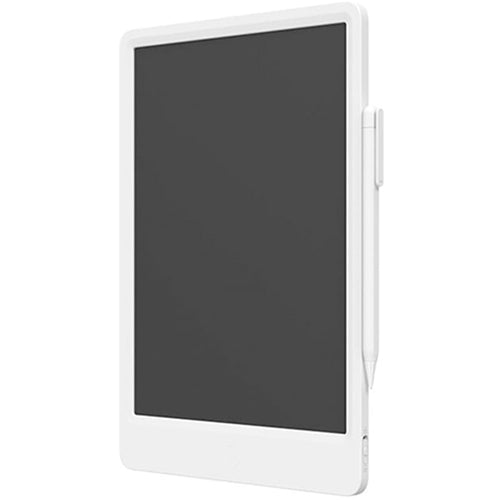
- If you dedicate yourself to drawing, both amateur and professional, they are impressive devices for this use. They serve as a graphics tablet and are excellent applications for professional graphic designers. They make drawing and image editing at all levels very easy.
- The battery usually lasts much longer than a laptop, although it depends on the case and usage. As a general rule, we can say that it always lasts longer than a computer.
- Improves learning if the tablet itself is used for educational purposes. It is a very good tool for studying and working. Learning to use it works in your favor.
- Bluetooth allows you to connect to many keyboards, regardless of location
- It will be much easier for you to write mathematical notations or diagrams and symbols on the tablet.
- Many people enjoy using gadgets like a stylus to point and tap on a touchscreen.

What will you use the tablet for?
- Read e-books as if they were books
- Consult and edit multiple office documents
- Use web navigation. (WiFi, USB or internal 3G)
- Receive phone calls if they are 3G, thus replacing the mobile phone.
- GPS to determine your location with various applications
- Play music from various apps or from internal storage
- Show videos, series, and movies that you have stored on your internal memory, or on a USB hard drive or Wi-Drive.
- You have a webcam at your disposal that also takes photos and HD video.
- You can hold a video conference from anywhere
Popular models

 ხარისხის გარანტია
შესაძლოა დაგაინტერესოთ
-
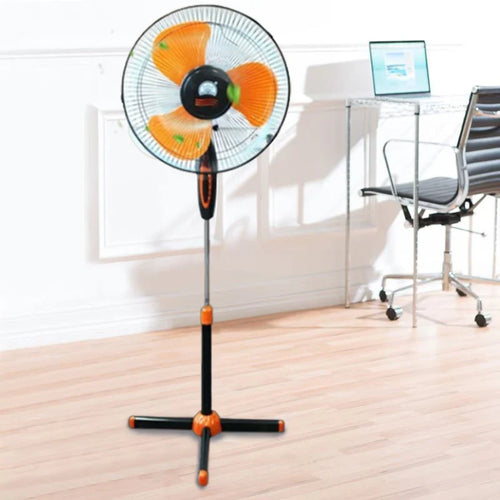
How to choose a fan?
As soon as summer arrives, the first thing that comes to mind is a fan . Fresh air circulation in the heat, rapid coo...
-
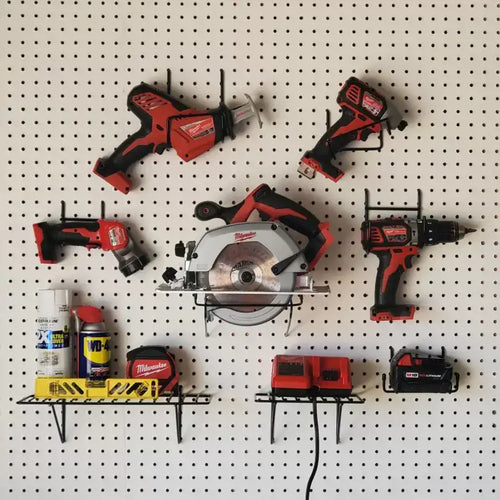
How to choose power tools in 2025?
Modern construction and repair work is unthinkable without quality power tools. Choosing the right tool is essential ...
-

How to choose a robot vacuum cleaner?
The question of how to choose a robot vacuum cleaner has been relevant since the appearance of these smart devices on...
-
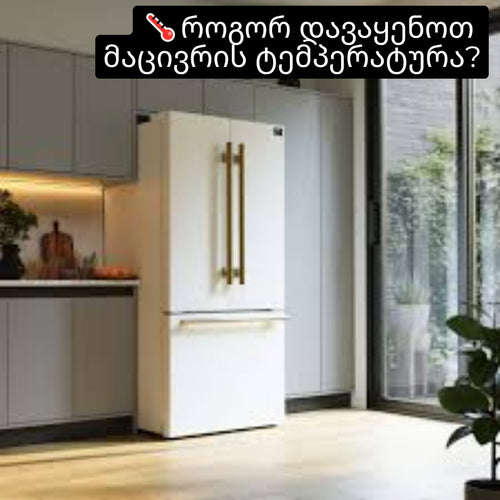
How to set the refrigerator temperature?
Setting the refrigerator temperature correctly is essential to ensure that products retain their nutritional value fo...
-
Air conditioner for 40 square meters - everything you need to know before buying
There are several important factors to consider when selecting the right air conditioner for a 40 m² room in 2025, en...
-

Intex or Bestway - which pool to choose?
When shopping for an outdoor framed pool, you've probably come across Bestway and Intex pools. Both brands offer a wi...
-
Overview of air conditioner features - what each one means
A modern air conditioner has many features, some of which are easy to guess by their names, but in advertising campai...
-
The most comprehensive review of DELONGHI coffee machines
DeLonghi is an Italian premium brand known for its high-quality home appliances, especially coffee machines . The com...
