
10 tips on how to buy laptops tailored to your needs!
A laptop is a portable personal computer designed for mobile use. It is smaller and more compact than a desktop computer and typically consists of a display, keyboard, touchpad, and internal components such as a processor, memory, storage, and various input/output ports.

Here are some key aspects of laptops:
1. Portability: Laptops are designed to be easily portable, making them ideal for travel . They come in a variety of sizes and weights, from ultraportables to larger, more powerful models.
2. Operating Systems: Laptops can run a variety of operating systems, with Windows, macOS, and Linux being the most common options. Your choice of OS may depend on your personal preferences and specific needs.
3. Hardware: Laptops come in a variety of specifications. The processor (CPU), RAM, storage (HDD or SSD), and graphics card (GPU) of different models can vary significantly, affecting their performance and capabilities. Some laptops are designed for general use, while others are specialized for gaming, content creation, or business tasks.
4. Battery life: One of the most important considerations for a laptop is battery life. Longer battery life is desirable for users who need to work or play without being constantly tied to a power source.
5. Connectivity: Laptops have a variety of ports and wireless connectivity options. Common ports include USB, HDMI, audio jacks, and card readers. Wi-Fi and Bluetooth are standard for wireless connectivity.

6. Screen size and resolution: Laptop screens vary in size and resolution. Larger screens offer a larger screen size, but they may be less portable. Higher resolutions provide sharper images.
7. Form Factors: Laptops come in a variety of form factors, including traditional curved designs, 2-in-1 convertible laptops, and ultra-thin notebooks.
8. Price range: Laptop prices can vary greatly, depending on their specifications and brand. Entry-level laptops are usually more affordable, while high-end laptops with advanced features can be quite expensive.
9. Use Cases: The best laptop for you depends on your specific needs. For example, if you’re a gamer, you’ll want a laptop with a powerful GPU. If you’re a content creator, a laptop with a high-quality display and a powerful CPU may be more important.
10. Maintenance: Laptops may require maintenance and periodic upgrades, such as adding more RAM or replacing the battery. Some laptops are more user-friendly in terms of upgrades than others.
When buying a laptop, it's important to consider your intended use, budget, and preferred operating system. Additionally, reading reviews and comparing models can help you find the best laptop that meets your needs.
შესაძლოა დაგაინტერესოთ
-
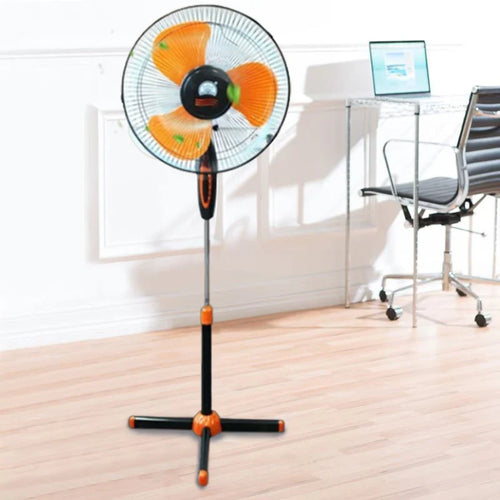
How to choose a fan?
As soon as summer arrives, the first thing that comes to mind is a fan . Fresh air circulation in the heat, rapid coo...
-
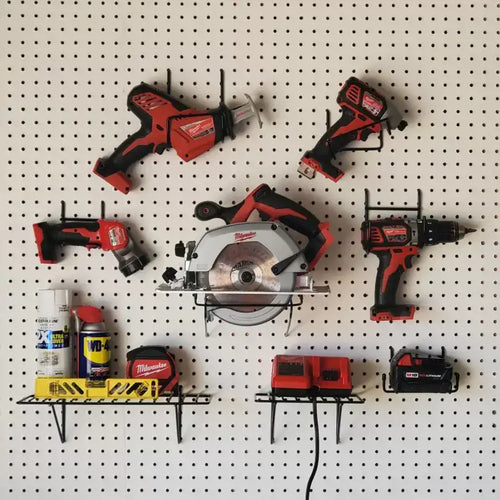
How to choose power tools in 2025?
Modern construction and repair work is unthinkable without quality power tools. Choosing the right tool is essential ...
-

How to choose a robot vacuum cleaner?
The question of how to choose a robot vacuum cleaner has been relevant since the appearance of these smart devices on...
-
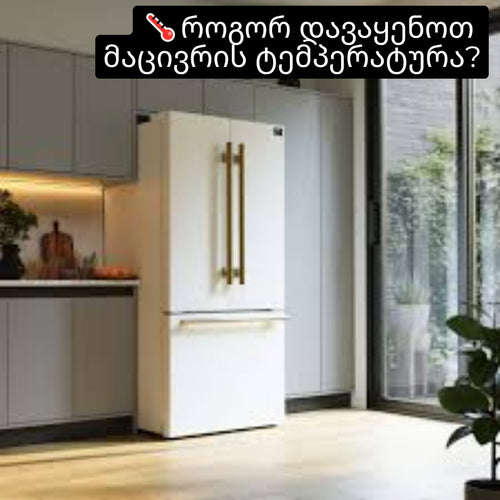
How to set the refrigerator temperature?
Setting the refrigerator temperature correctly is essential to ensure that products retain their nutritional value fo...
-
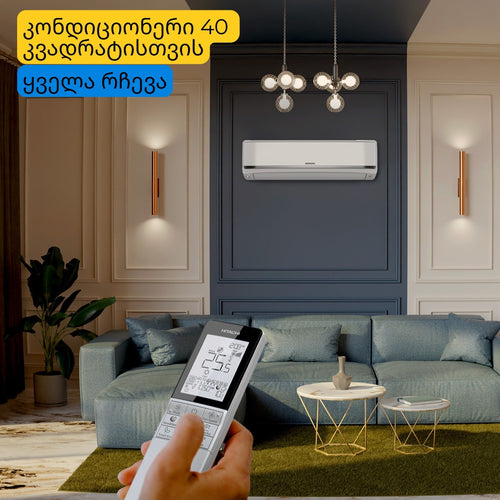
Air conditioner for 40 square meters - everything you need to know before buying
There are several important factors to consider when selecting the right air conditioner for a 40 m² room in 2025, en...
-
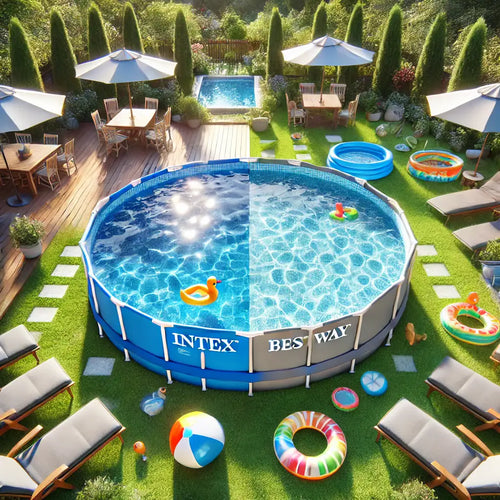
Intex or Bestway - which pool to choose?
When shopping for an outdoor framed pool, you've probably come across Bestway and Intex pools. Both brands offer a wi...
-
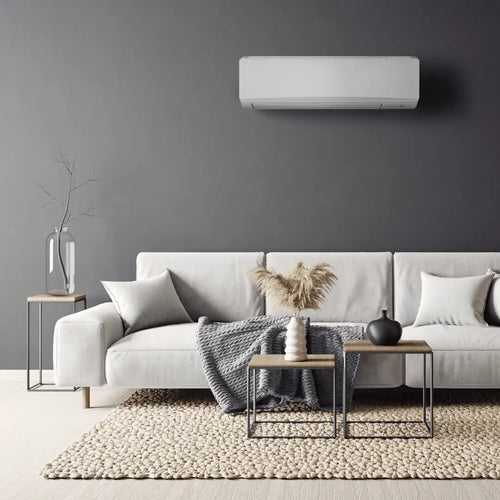
Overview of air conditioner features - what each one means
A modern air conditioner has many features, some of which are easy to guess by their names, but in advertising campai...
-
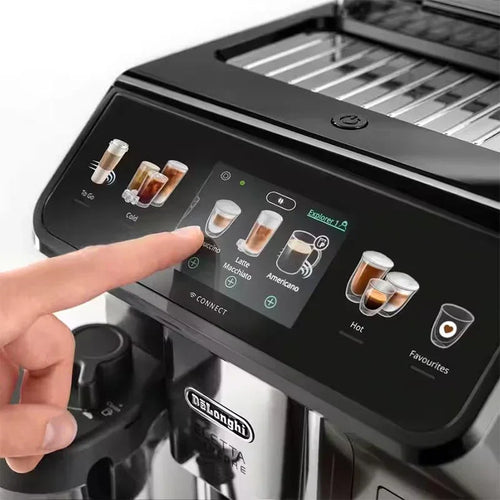
The most comprehensive review of DELONGHI coffee machines
DeLonghi is an Italian premium brand known for its high-quality home appliances, especially coffee machines . The com...
